FlexoPrep

Adobe Photoshop

FlexoSplit

One-click colour separation of images for flexo. The plug-in divides the image into zones and gives each zone only the inks it needs, with no stray dots. The colour stays as close to the original as possible.

Before and after, by channel

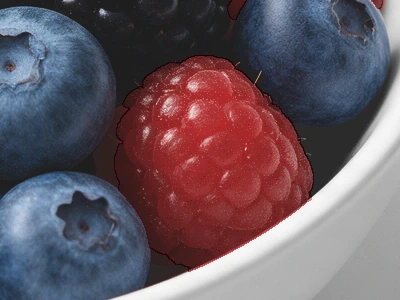
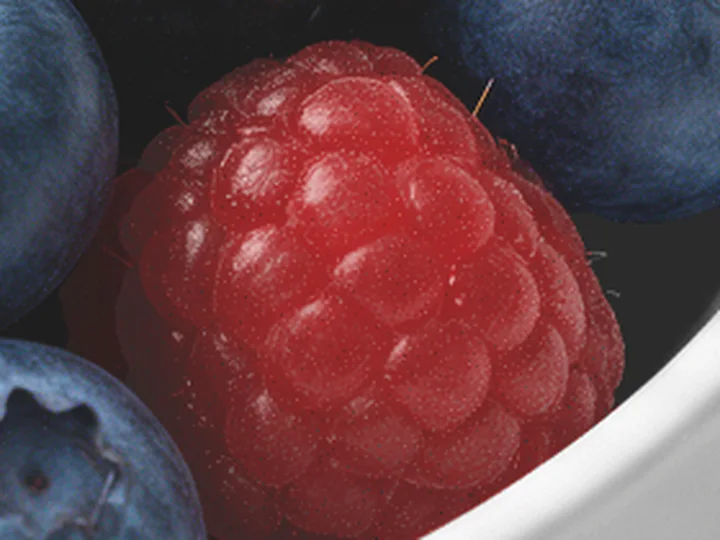
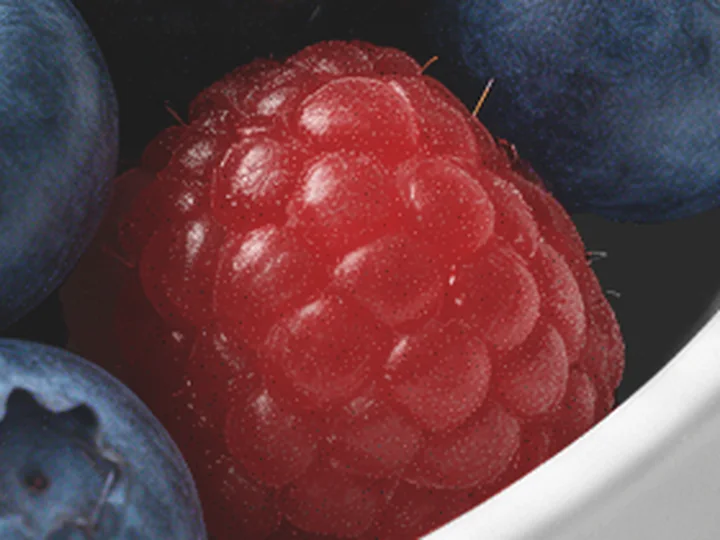
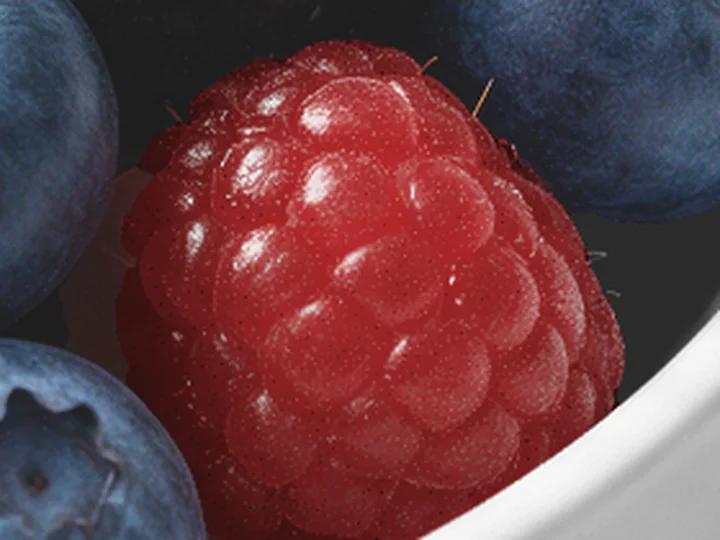
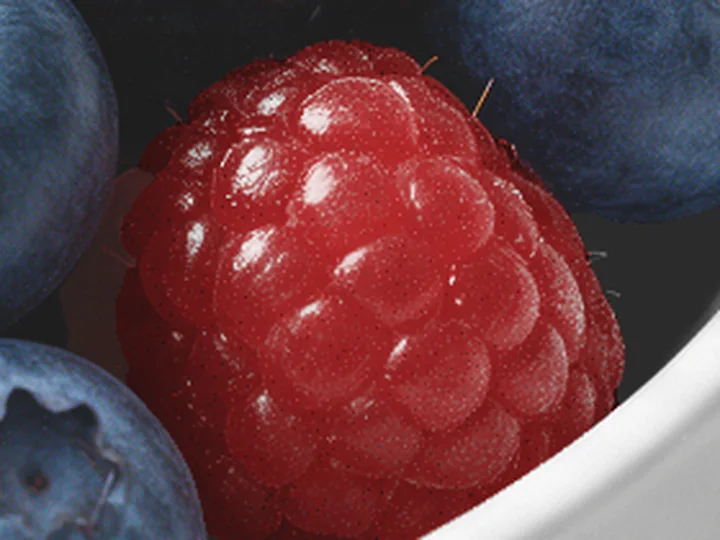
Cyan after FlexoSplit: only in the blueberries, blackberries and mint Cyan in the usual separation: in the bowl, the shadow and the raspberries Photoshop's separation FlexoSplit
Cyan from 2% shown as solid ink. Cyan on 43% of the area → 14%

The program made this separation automatically.

FlexoSplit found the objects, gave each a selection and separated the inks itself. In the panel only the inks and the contrast were chosen: Pantone for the raspberries, black for the bowl and SAMBA for the shadow.

Nothing is fixed: the selections, inks, traps and volume are set to suit the job and your taste. The separation comes out clean and needs no special knowledge, so a beginner can do it too.

Dot control by the parameters you set runs automatically: the minimum dot held or cut off, with no dirt at the edges.

CMYK with a mini trap, no gaps and no dirt

Where CMYK objects meet, the inks overlap slightly, so the print has no gaps and the plates carry no dirt. The minimum dot is kept in every ink.

The mini trap is smooth and even, and its width depends on the photo's resolution. In the animation it is the thin dark line where cyan and magenta overlap.

From CMYK to one Pantone with no loss of colour

Pick an object, the background for example, and press Use Pantone: the program lists the closest Pantones with their difference from the original. After Apply the background lies on one channel instead of several, and the colour stays as it was. The other objects stay in CMYK.

A raspberry in PANTONE 711 C by the rim of the bowl: a thin trap along the edge

Pantone straight away with the trap you set

Pantone runs under the neighbouring inks by the width you set in pixels, in the direction you choose for the object: Auto, spread, choke or no trap. The black underneath gives density in the shadows.

Ctrl+Z undo Ctrl+Shift+Z redo
Copy settings Paste settings

Colour and contrast settings can be undone, redone and copied to another file

Every change of the Pantone and CMYK settings is a step in Photoshop's history: undo it and redo it like any other.

Copy settings and Paste settings carry an object's settings to another object, in another file too, so similar photos are done the same way.

Volume settings

In the Volume panel you set contrast, form, texture, dodge, burn and shadows, for the whole object or each ink on its own, plus curves as in Photoshop.

The minimum dot is set for each ink, and any ink can go on a SAMBA channel of its own.

Object selections

The objects' selections are made by the separation itself. Pick chooses an object with a click, Brush and Lasso add to it or take away, Join joins pieces, and Separate turns one thing, a berry for example, into an object of its own.

A Photoshop selection becomes a new object, and an object becomes a selection again. The selections and settings stay in the file.

The result is not always exact: sometimes it needs light finishing. This function is still being improved.

WindowsPhotoshop 2023 (24.2) or newer.
macOSPhotoshop 2023 (24.2) or newer, Apple and Intel processors.
LanguageInterface in English.

Licence pricing

Adobe Photoshop

FlexoSplit

690 €

one payment, one computer

Benefits: image separation, CMYK with a mini trap, Pantone with a trap, SAMBA channels.

Buy

Illustrator and Photoshop

FlexoPrep + FlexoSplit

990 €

one payment, one computer

Benefits: both programs with every feature.

Buy

Prices for businesses, net of VAT. Your country's VAT is added at checkout; EU businesses with a VAT number do not pay it. Polar takes the payment.

Also for Adobe Illustrator

  • FlexoPrepBenefits: cleaning stray inks out of the channels, dot control, trapping, dimensioning of any objects, ink coverage, EAN barcodes.590 €Buy
  • Trial15 days with every feature, no payment and no account.
  • LicenceNo end date, for one computer. Fixes are in the price; new versions with new features may be paid. Change of computer in your customer account.
  • SystemsWindows and macOS. Internet needed: without it the program works for at most 15 days.

Questions and suggestions

The reply will come to the e-mail address you enter.

What you send is used only to reply: privacy policy.